
Leave requests lost in emails and spreadsheets
Staff ask for time off from their phone or browser. The right manager approves it in one tap, and the calendar and emails update on their own.
The back and forth behind every day off
Most teams run leave on paper forms, emails and a spreadsheet someone has to keep up to date. The Leave app puts it all in one place.
Paper forms and leave emails
- Leave asked for from the phone or browser
Chasing who should approve it
- Sent to the right manager, from your company directory
Calendars updated by hand
- Approved leave goes into the calendar on its own
“Did you get my request?”
- Emails go out at each step, without anyone sending them
“Who is off this week?”
- Everyone sees who is off, in real time
One request, from the phone to the calendar
A few taps for the person asking, one tap for the manager, and nothing left to update by hand.
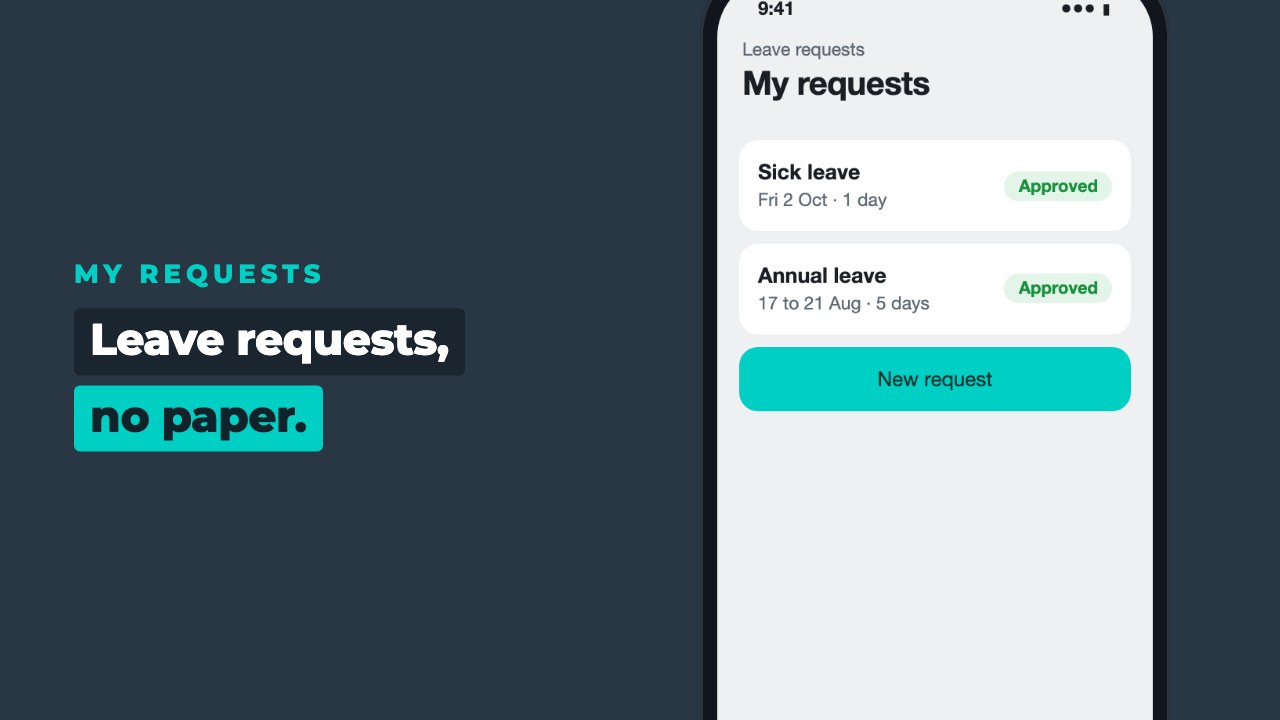
My requests
Staff open the app on their phone or in the browser and see every request they have made, with its status.
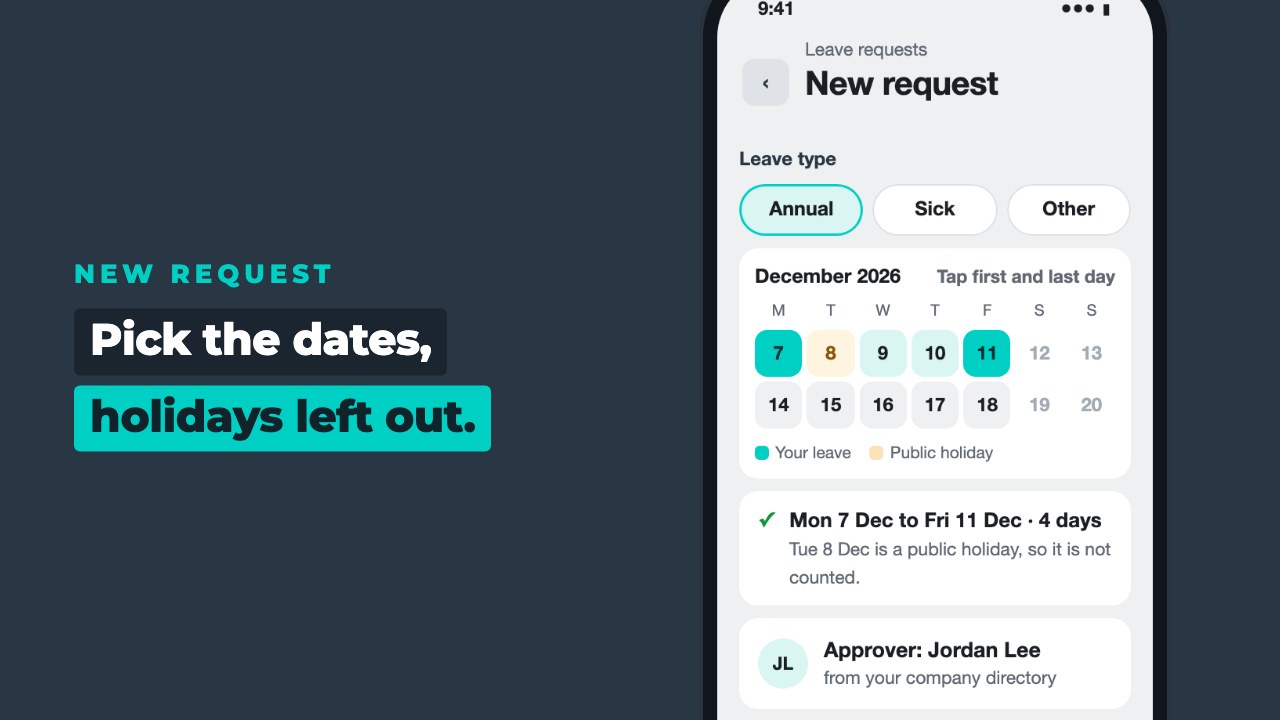
Pick the type and the dates
Choose the kind of leave, tap the first and last day, and the app counts the days. Public holidays are set up in the app, so they are left out.
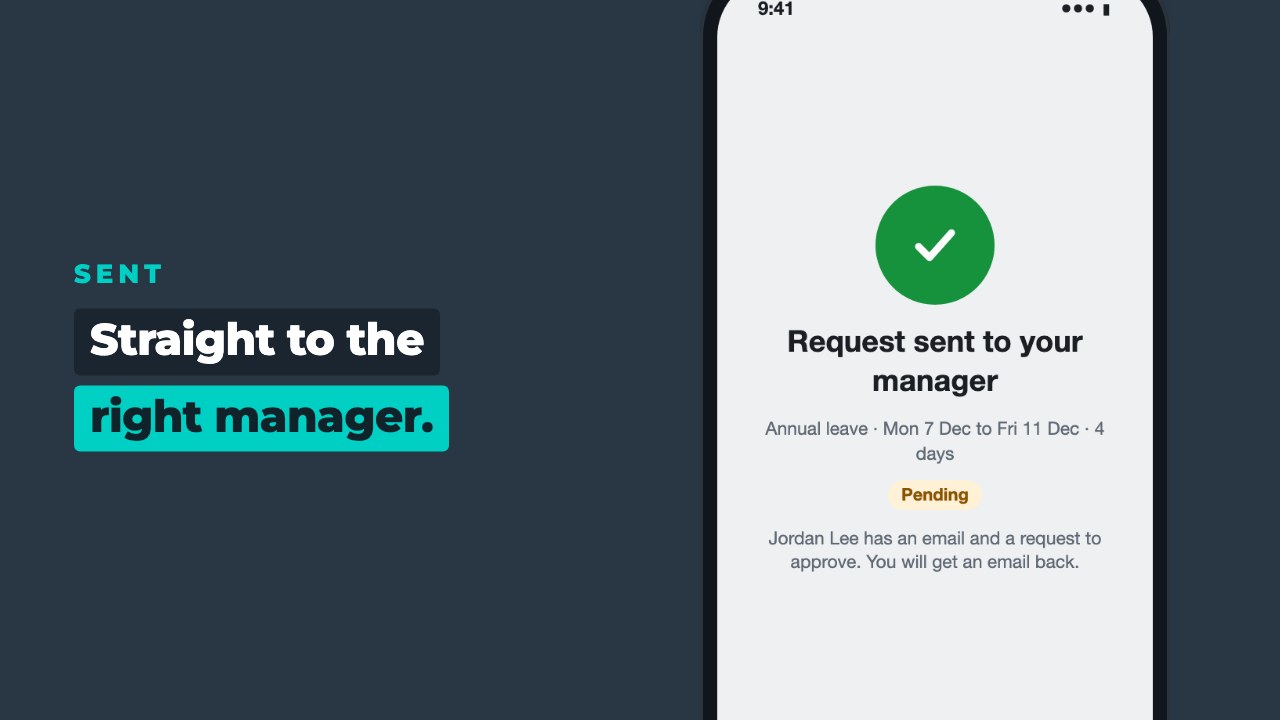
It goes to the right manager
The approver comes from your company directory, so nobody has to work out who to ask.
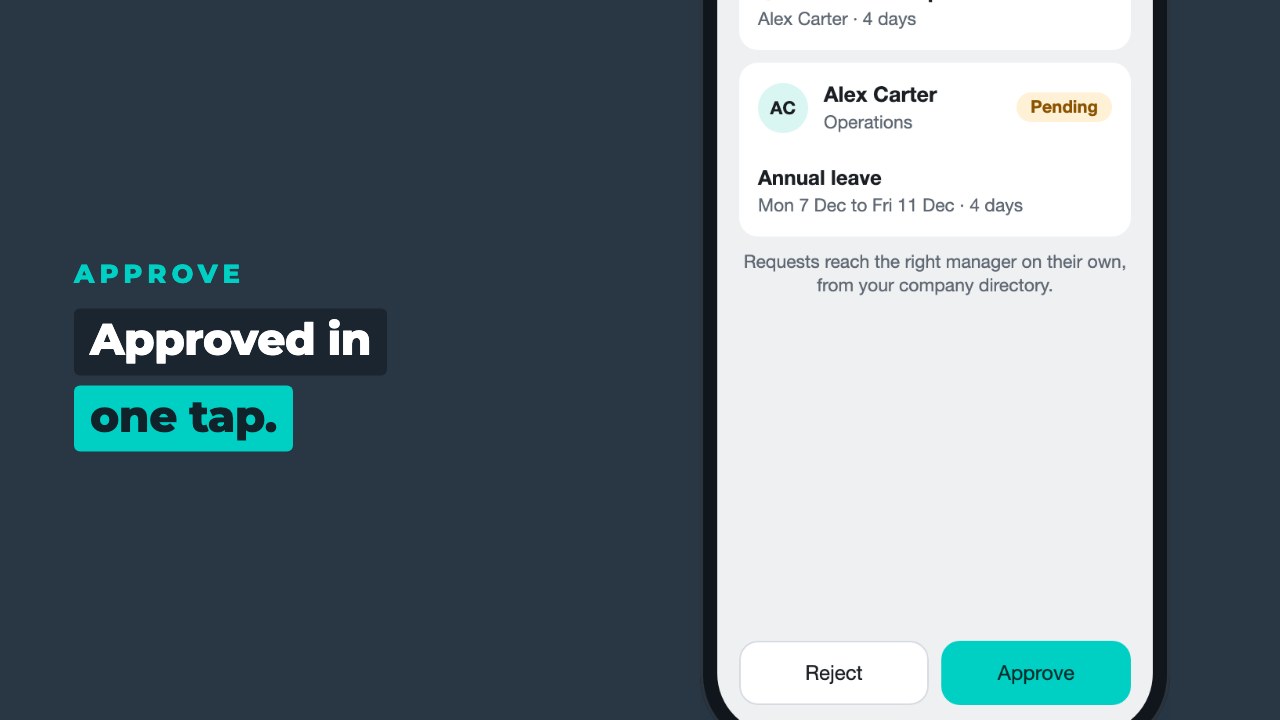
Approved in one tap
The manager sees who, when and how many days, then taps Approve or Reject.
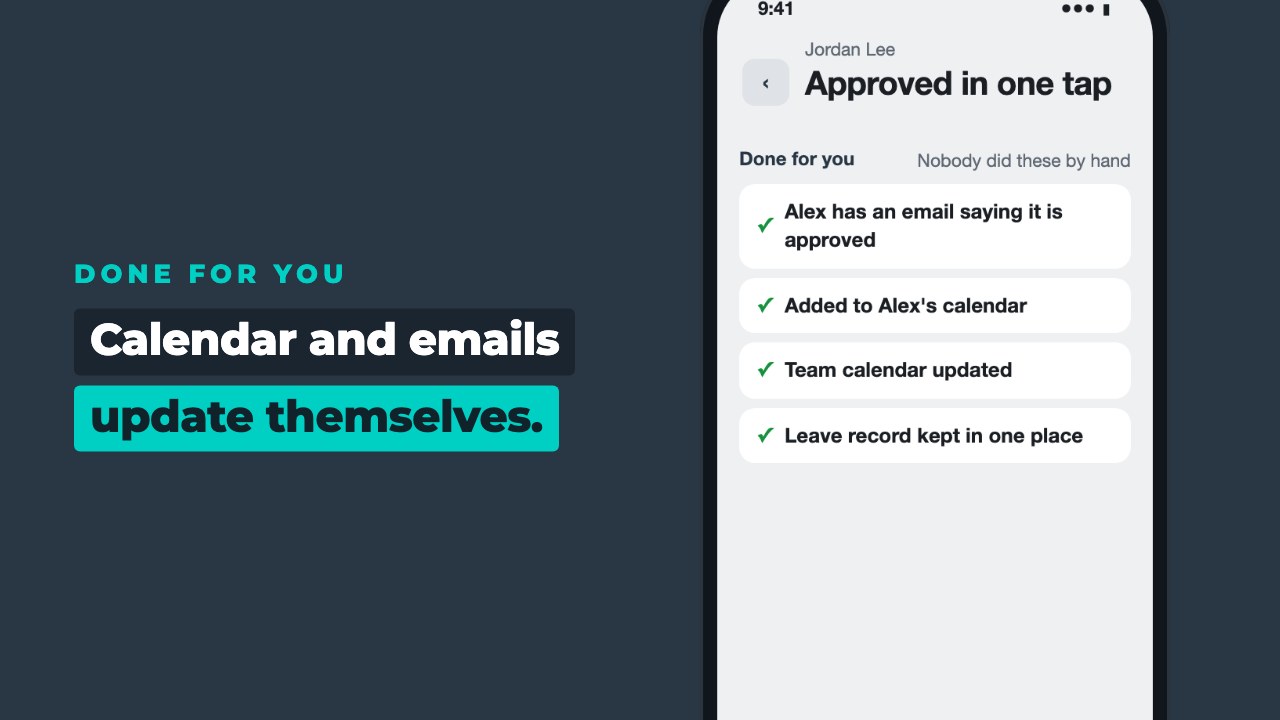
Calendar and emails, done
The person asking gets an email, and the leave goes into the calendar. Nobody types it in.
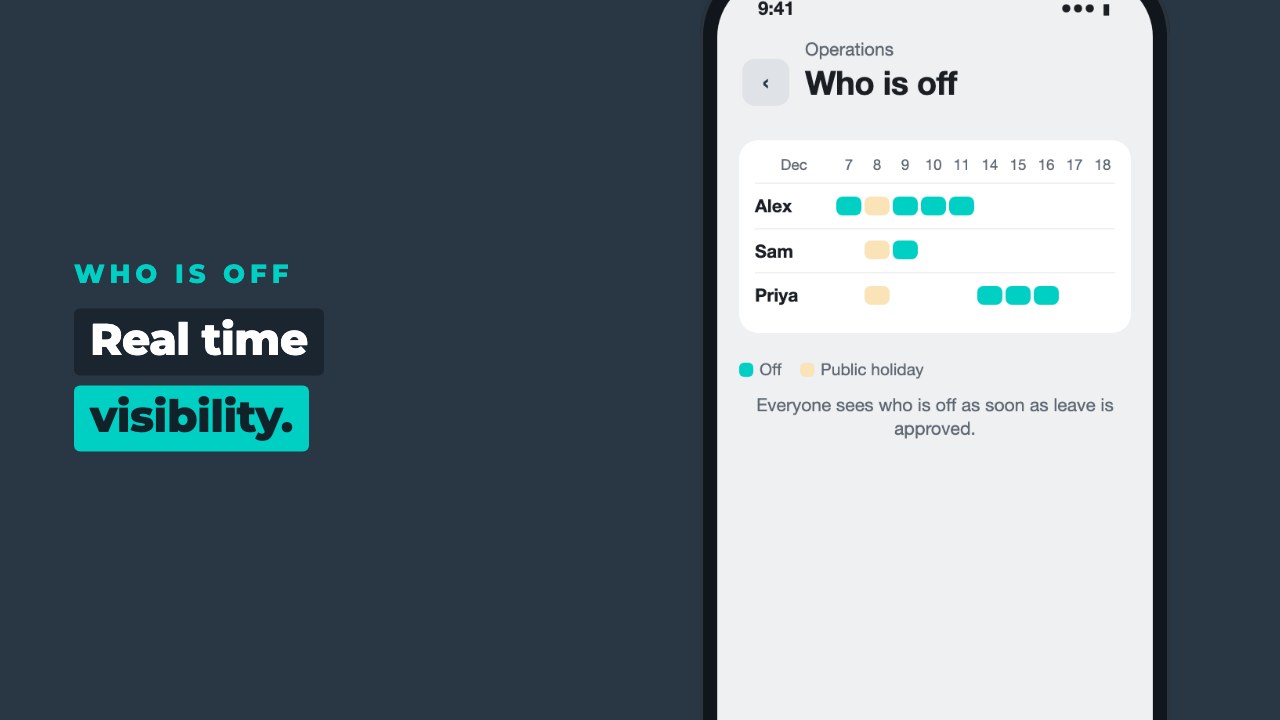
Everyone sees who is off
The team view shows who is away and when, as soon as leave is approved.
Easy to ask, easy to approve
Staff
- Ask for annual, sick or other leave in a few taps
- Pick the dates and see the days worked out
- Get an email as soon as it is approved
- See every request and its status in one place
- See who else is off before booking
Managers and HR
- Requests reach the right manager, from your company directory
- Approve or reject in one tap
- Approved leave goes into the calendar on its own
- See who is off across the team, in real time
- Every request and decision kept on record
Made for teams that have outgrown the leave spreadsheet
Runs in your Microsoft 365
Your team signs in with the work account they already have. No new logins.
Uses your company directory
Managers and teams come from the directory you already keep, so requests reach the right person.
Your data stays yours
Leave requests and holidays are kept in your own Microsoft 365, not on our servers.
FAQs
How do we get the Leave app?
Book a demo. We talk through how your team books time off today, show you the Leave app with your kind of team and agree the set-up with you.
Do we need Microsoft 365?
Yes. The Leave app runs inside your Microsoft 365, so your team signs in with the work account they already have and your data stays in your tenant. If you don’t have Microsoft 365 yet, we can help you set it up.
Does it work on the phone and on a computer?
Yes. It is a web and mobile app, so staff can ask for leave from whichever they have to hand.
How does it know who approves each request?
Managers and teams come from your company directory, so each request goes to the right manager without anyone choosing.
Does it update our calendars?
Yes. Approved leave goes into the calendar, and the emails to say a request was sent or approved go out on their own.
What about public holidays?
Your public holidays are set up in the app, so they are not counted as days off.
What happens to our data if we stop?
It stays in your Microsoft 365. Nothing is held on our servers.

William, Founder
See the Leave app with your team
Book a demo. We will walk through a leave request with you, from the phone to the calendar, and show how it would fit the way your team books time off.